
1 selfie.
Anywhere.
Pick where you want to be, tap one button and 30 seconds later there you are: on the Moon, on the red carpet, inside a Renaissance painting. No typing needed.
Have an iPhone or iPad? Use the white button. Have a Samsung, Xiaomi, Huawei, Pixel or another phone? Use the blue button.
- Your first photos are free
- No subscriptions
- AI-generated images
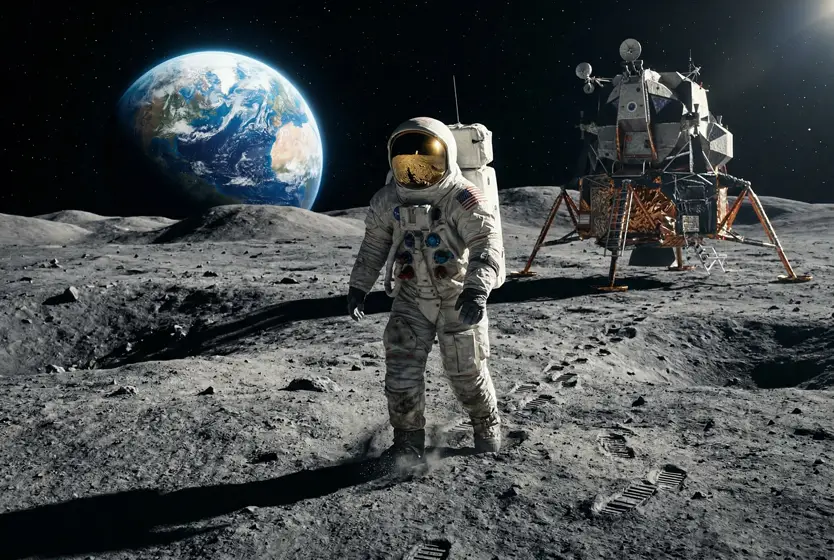
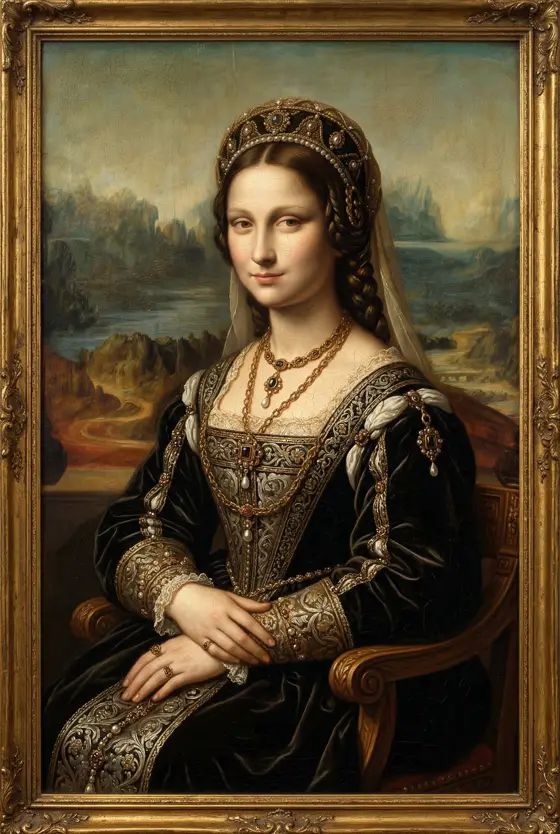
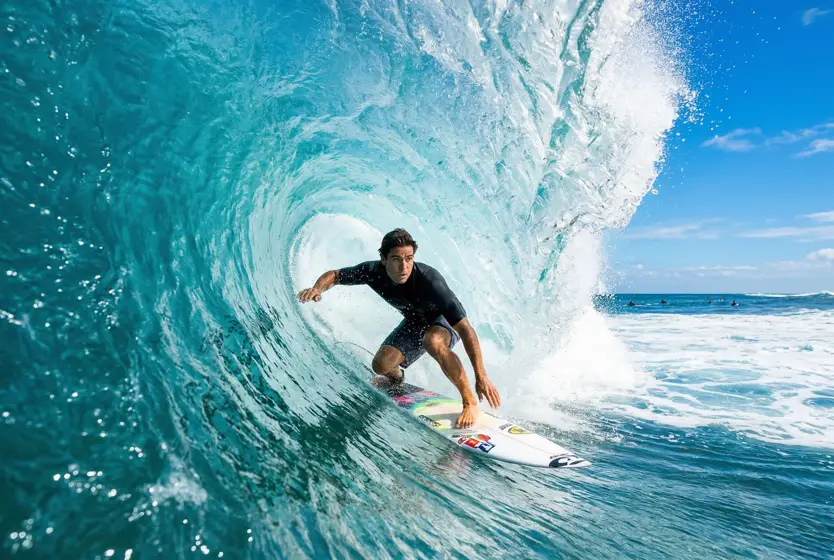
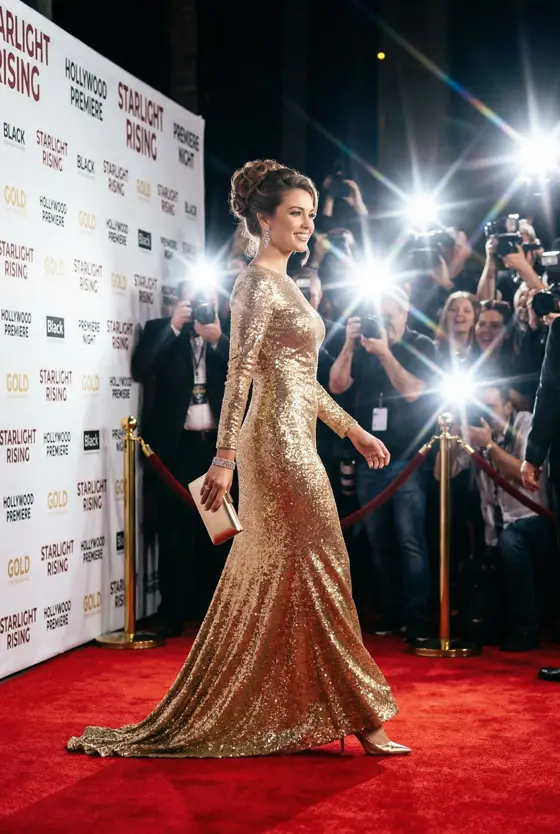
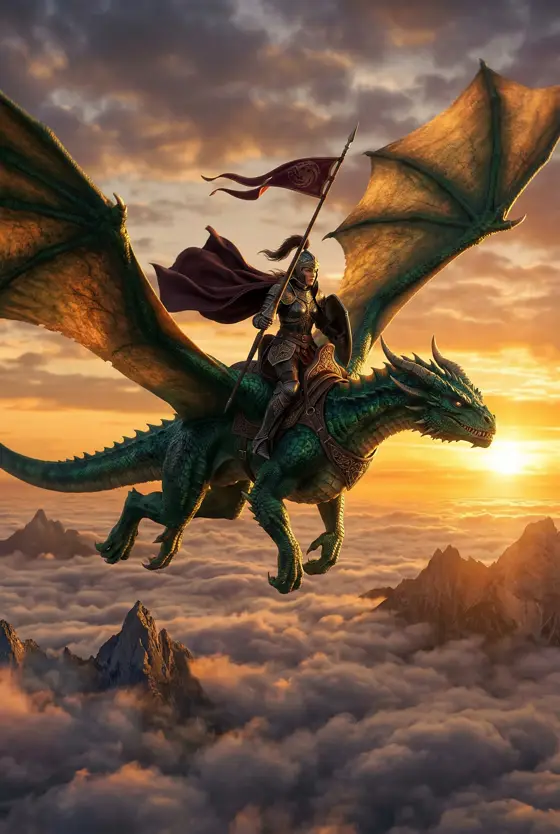
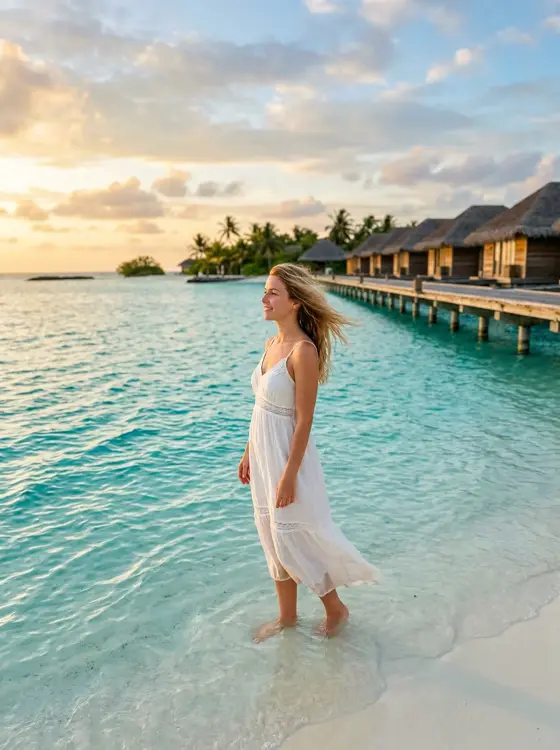

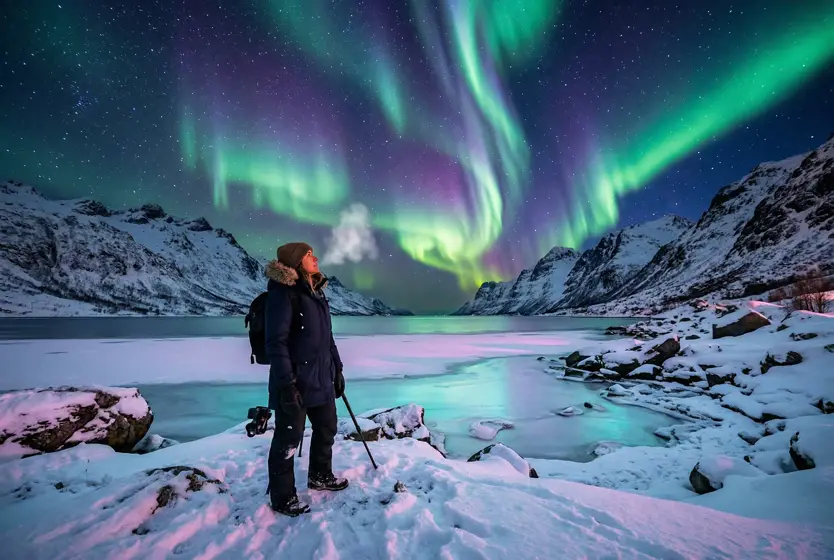
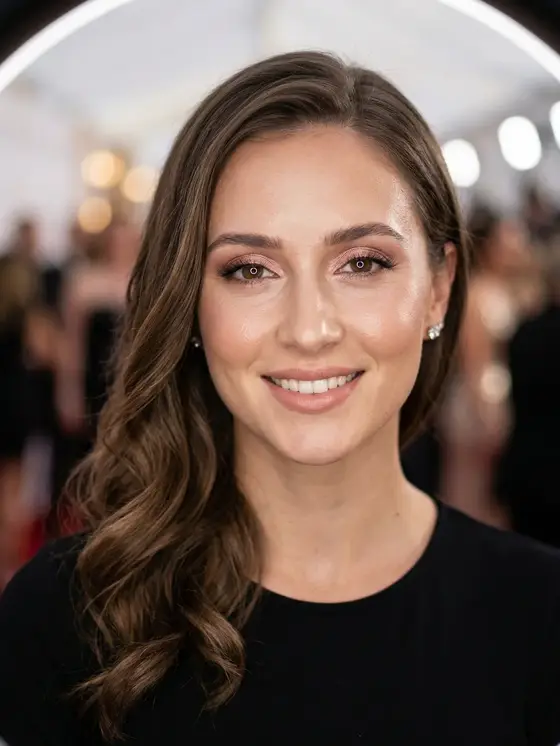
All it takes is a selfie.
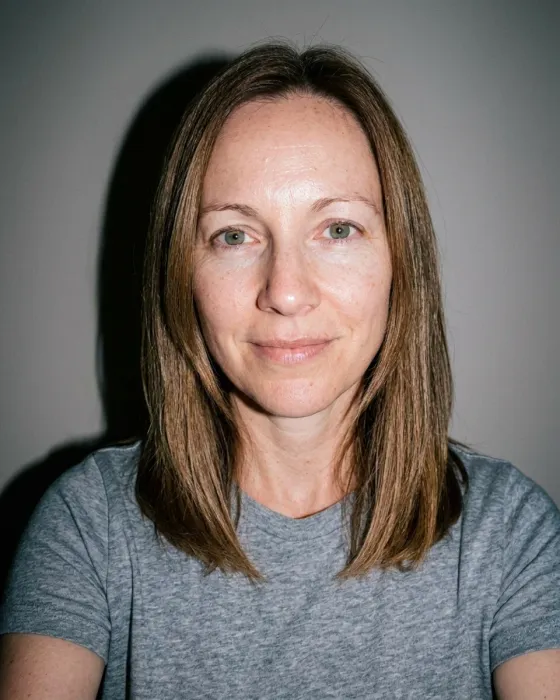
Drag the white line across the photo: on the left is the original selfie, on the right the photo the app created.
One selfie in the living room, and you're in the Maldives at sunset.
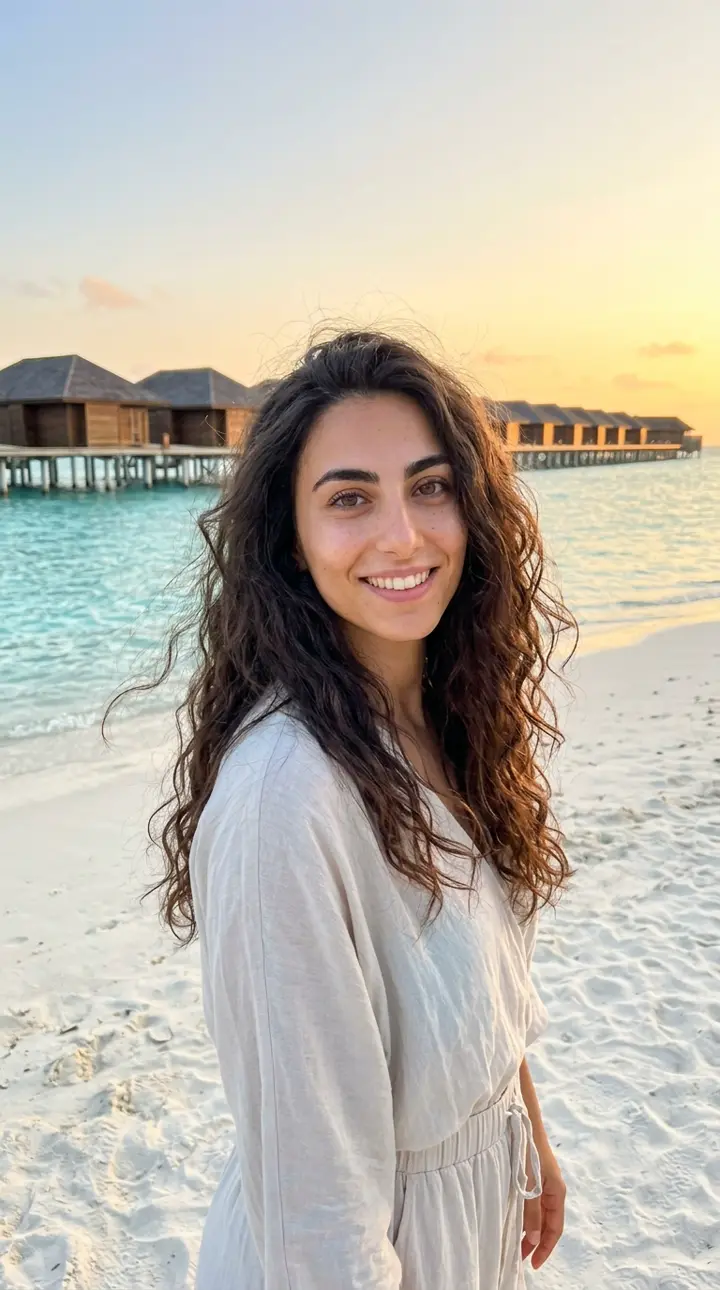
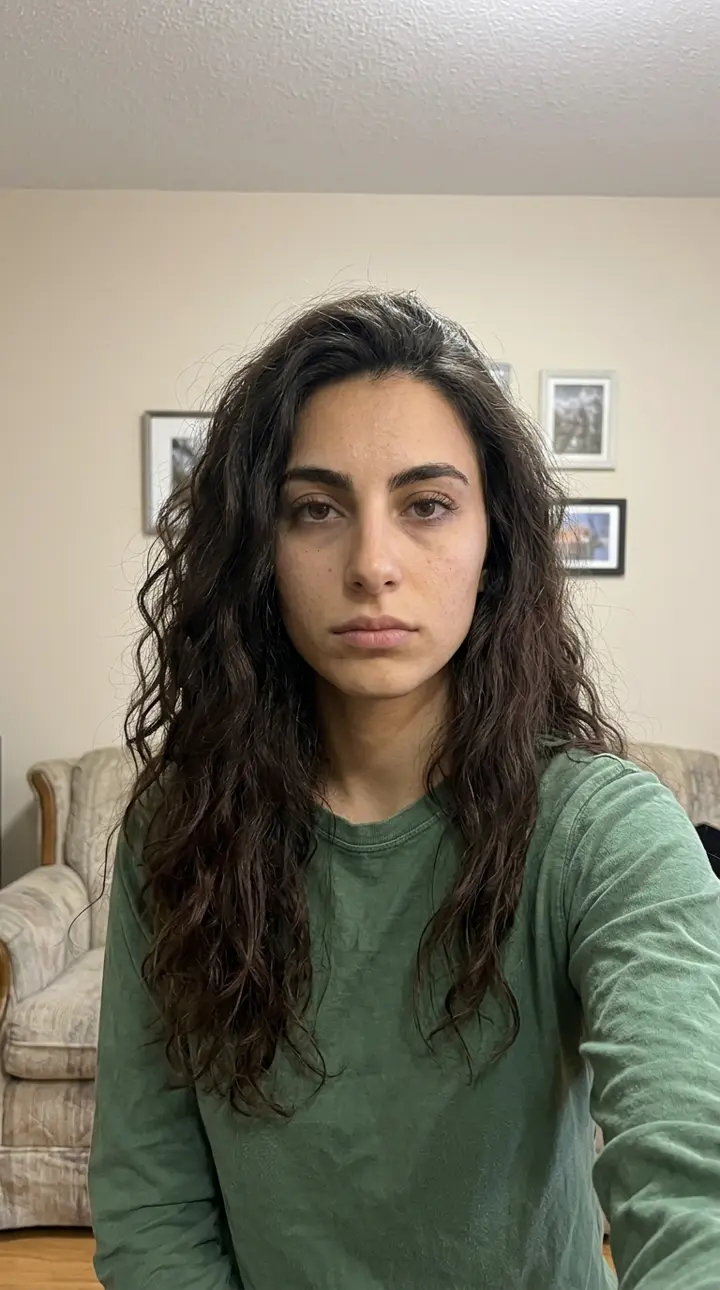 Before
After · AI-generated
Before
After · AI-generated
3 steps. 30 seconds.
If you can take a selfie, you can use You Were There.
-
1 · Pick
Pick a scene
Beaches, cities, movies, fairy tales, seasons: scroll and tap the one you like.
-
2 · Tap
One tap. 30 seconds.
Take a selfie or choose one of your photos, then tap "Generate". The app does the rest: wait about 30 seconds.
-
3 · There you are
There you are.
There you are among the cherry blossoms. Save the photo or send it to anyone you like, WhatsApp included.

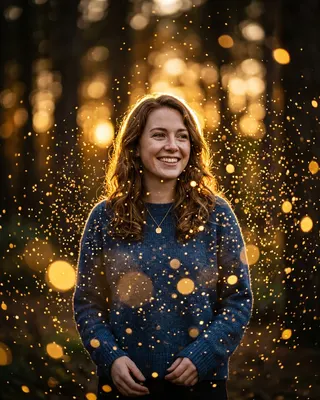

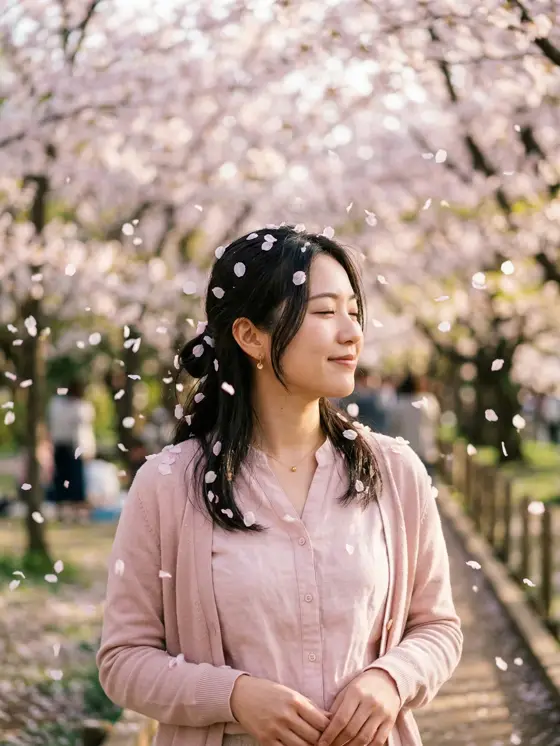
Never used an app like this? No problem.
It's designed to be easy even if you've never used an app like this before.
- No typing neededPick a scene from the list and tap a button.
- No computer neededYour phone or tablet is enough, with an internet connection.
- No subscriptionsYour first photos are free. If you want more, you buy credits only when you choose to.
- Stuck?Write to us at [email protected]
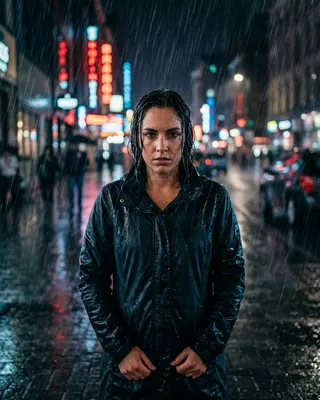
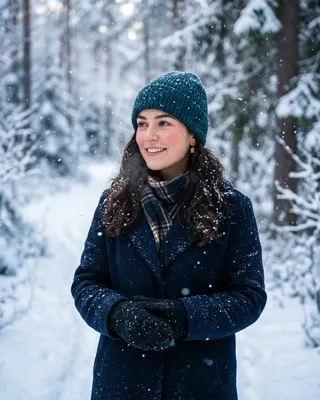
Over 100 scenes,
one tap each.
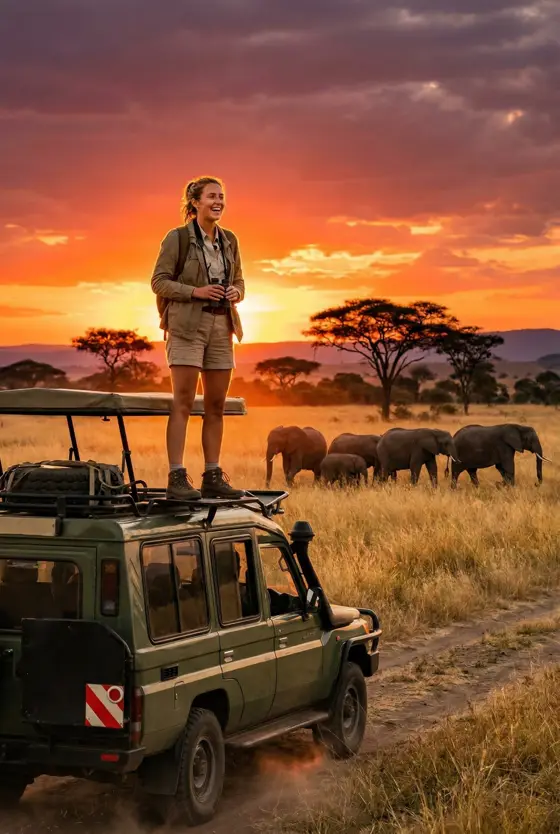
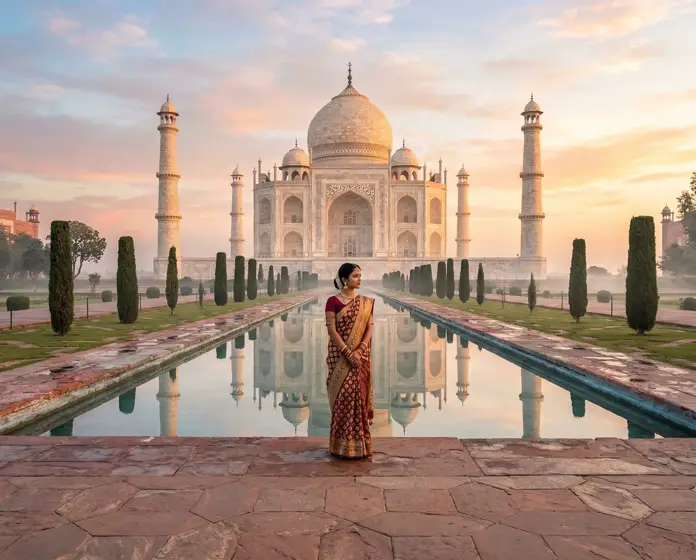
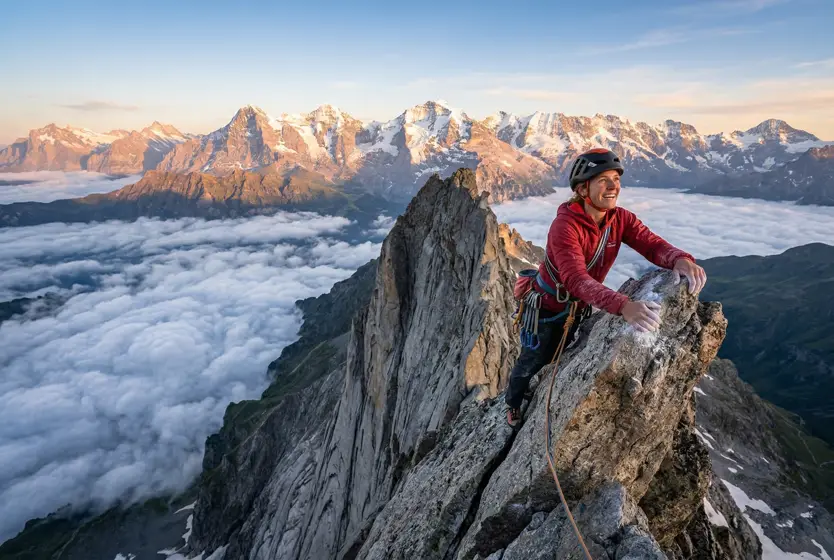
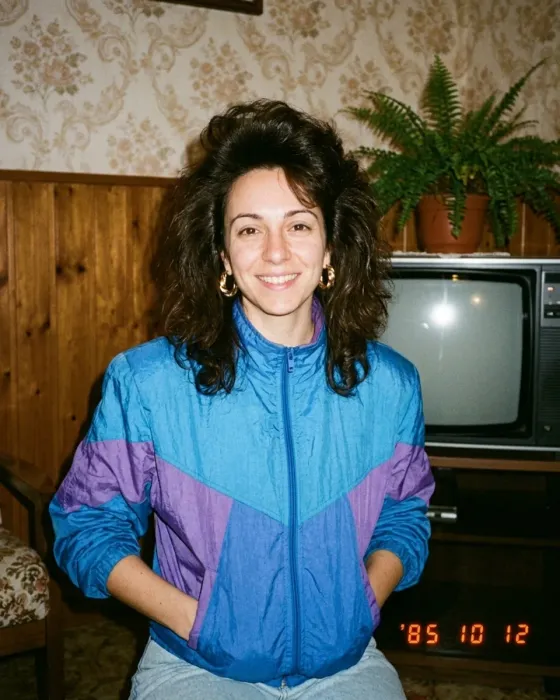
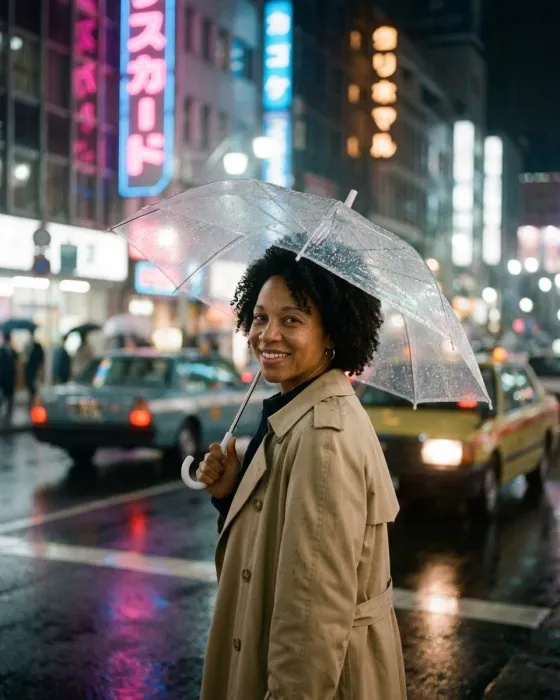
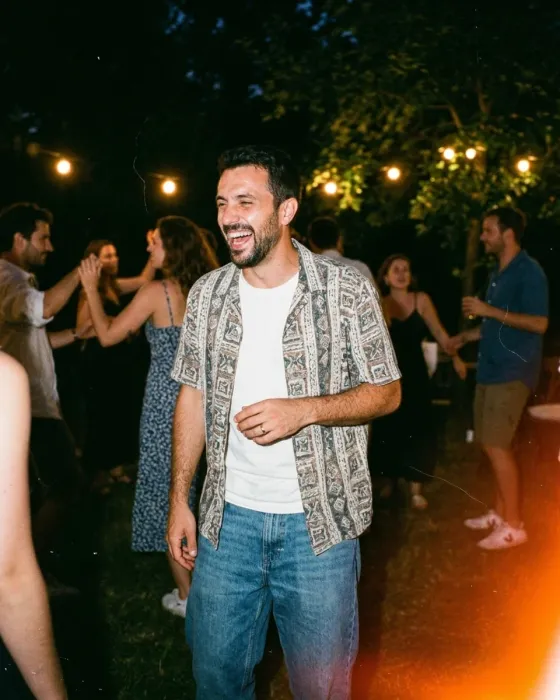
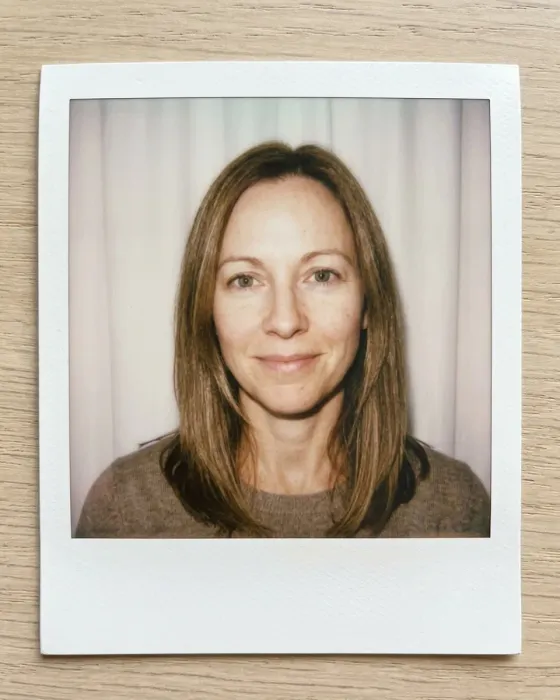
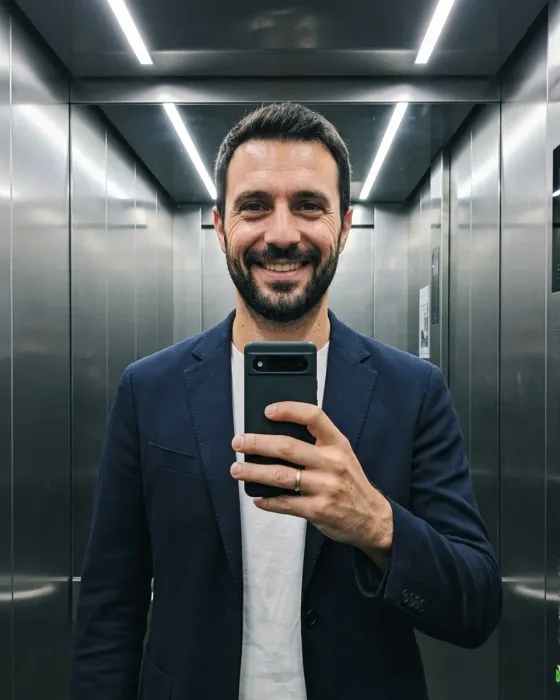
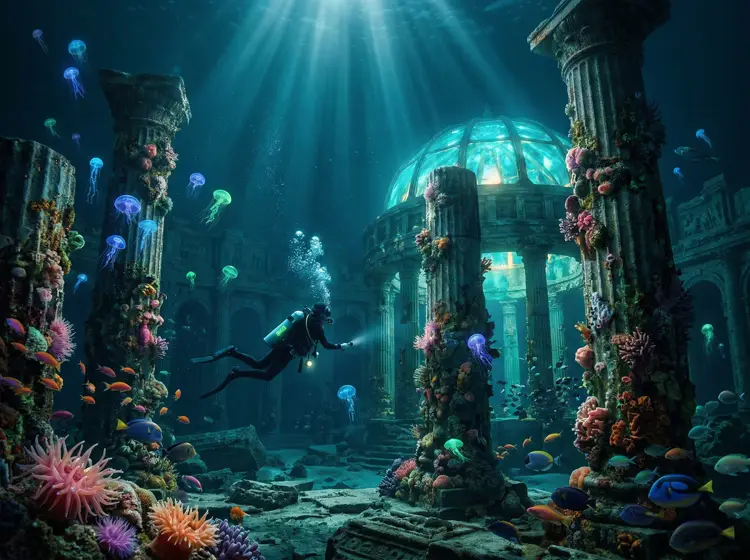
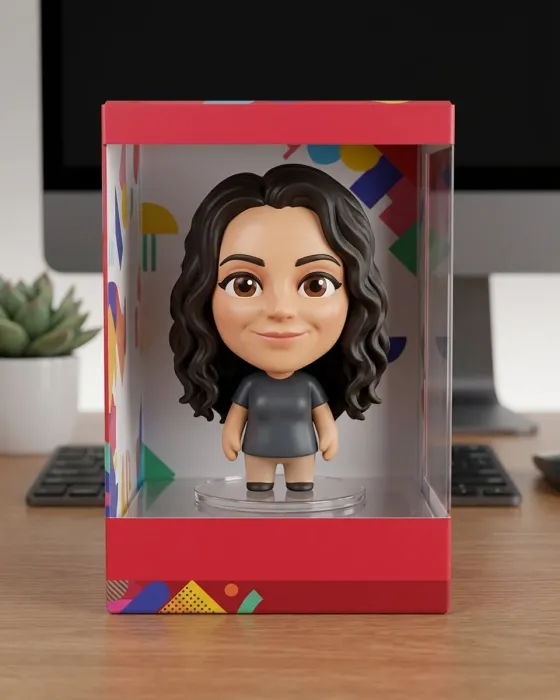
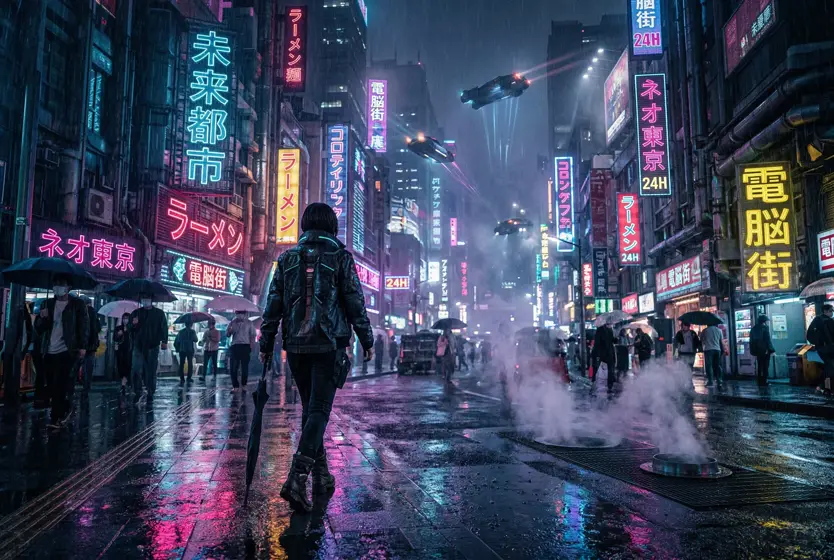
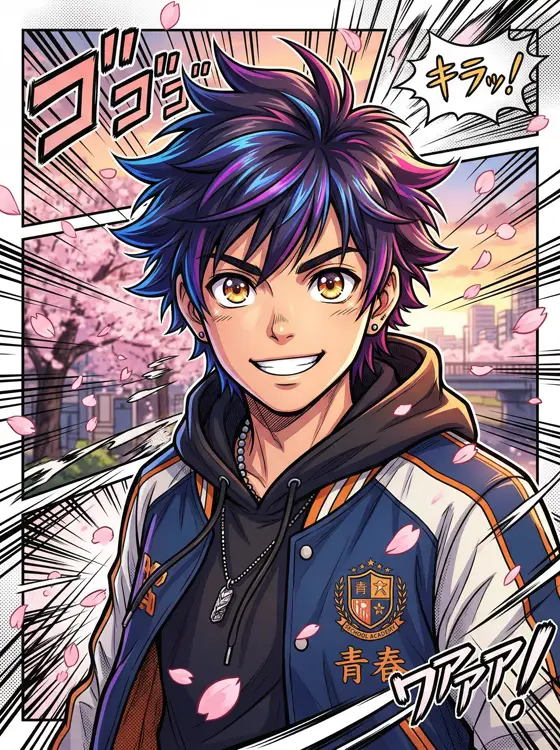
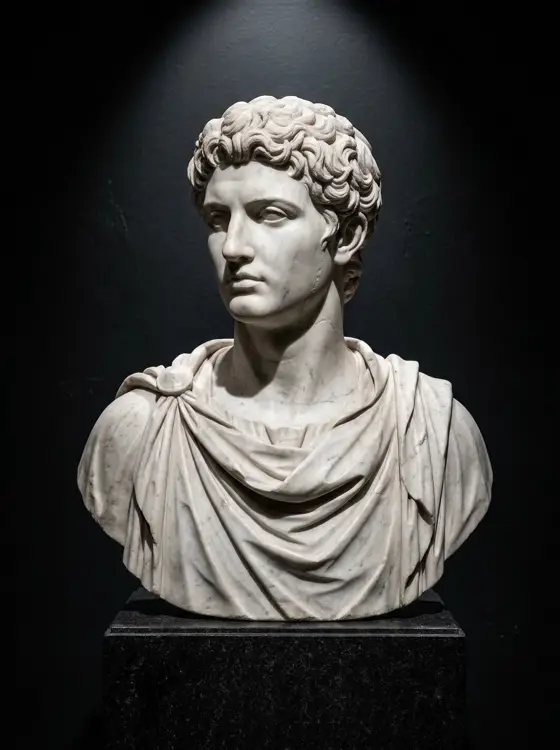
Travel, fairy tales, holidays, studio portraits. Scroll the rows to see more.
Travel and adventure
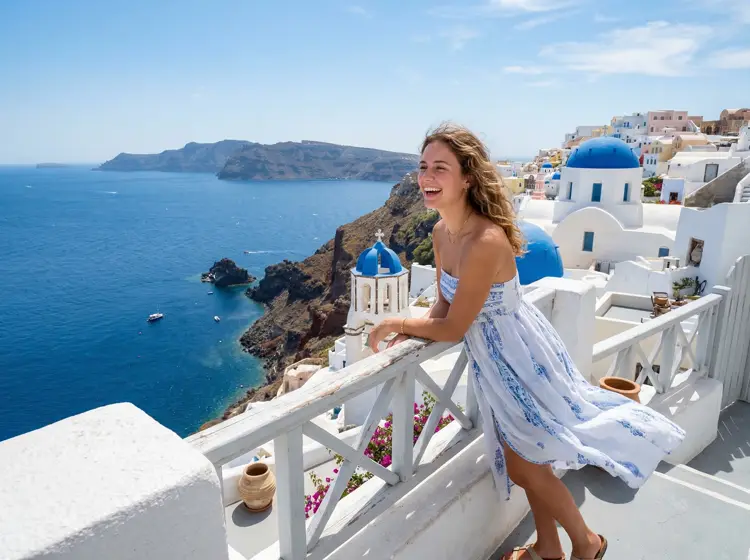
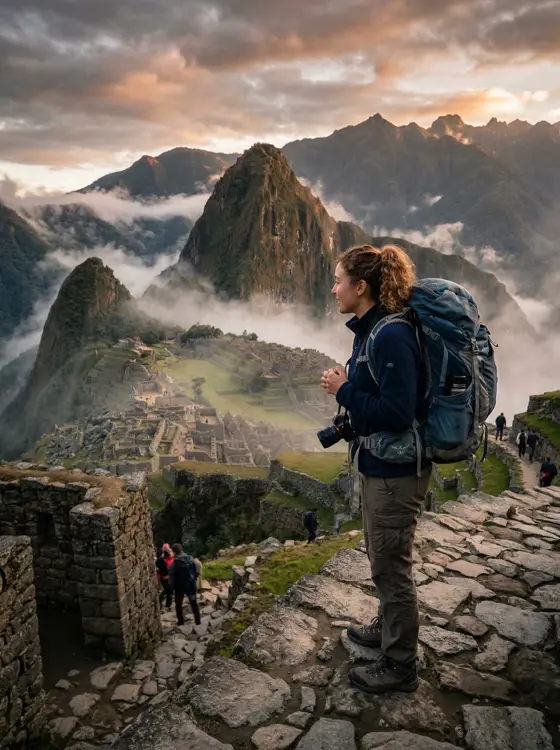

Retro and the 80s
Fantasy and art
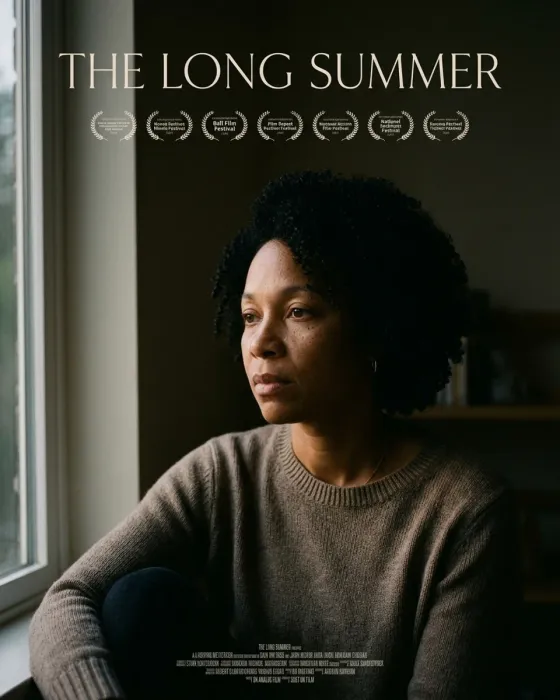
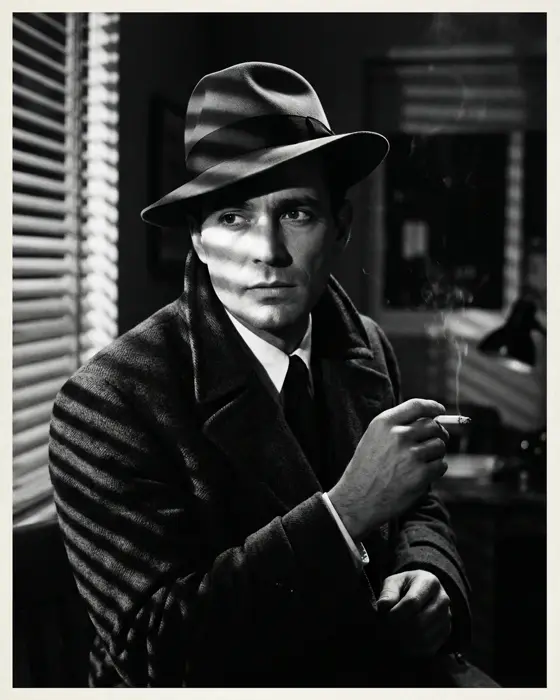

Holidays and seasons

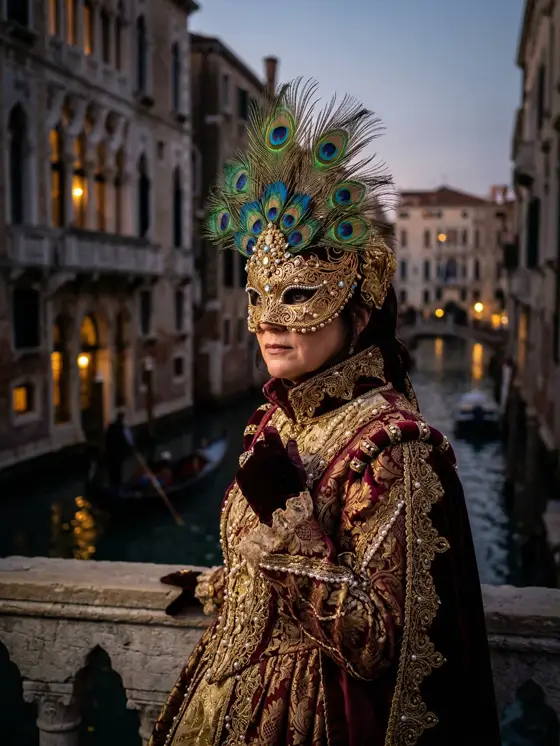


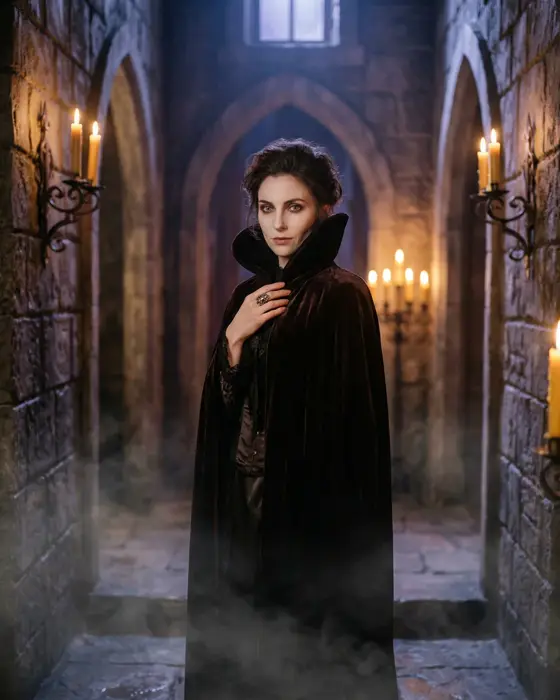
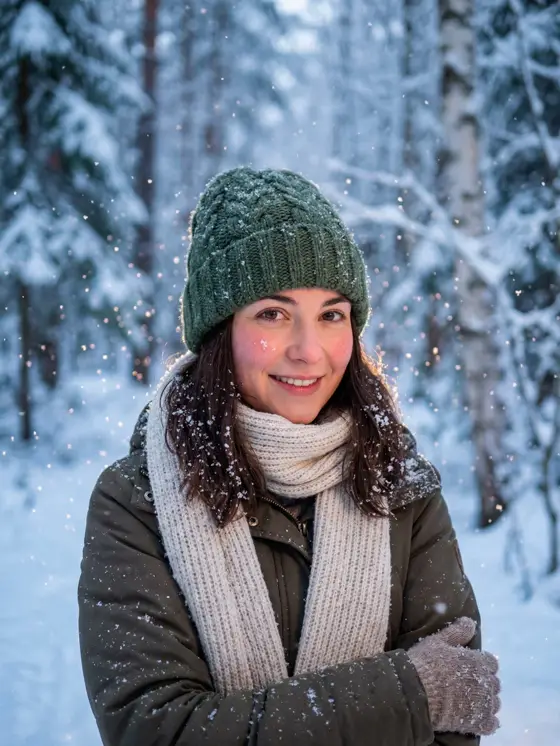
Portraits and style



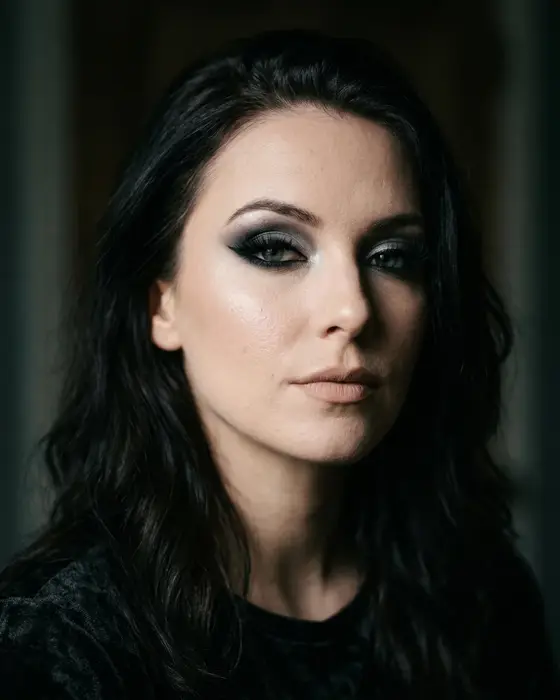

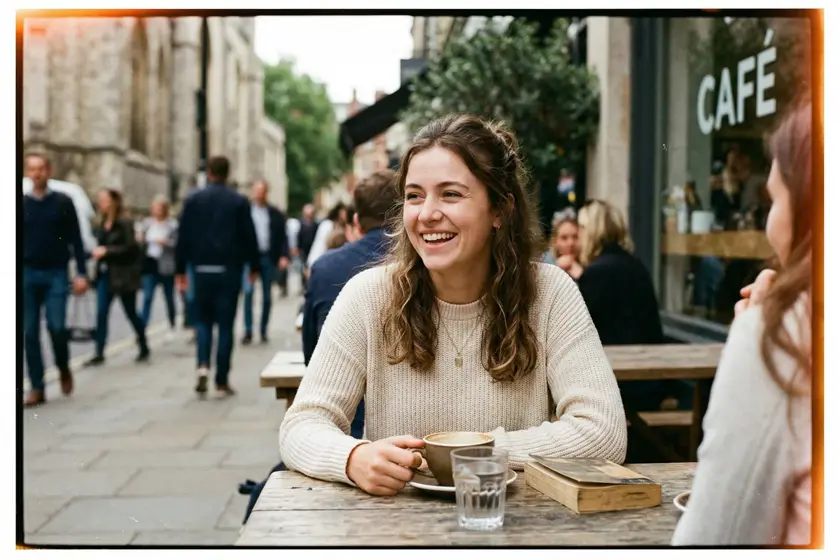
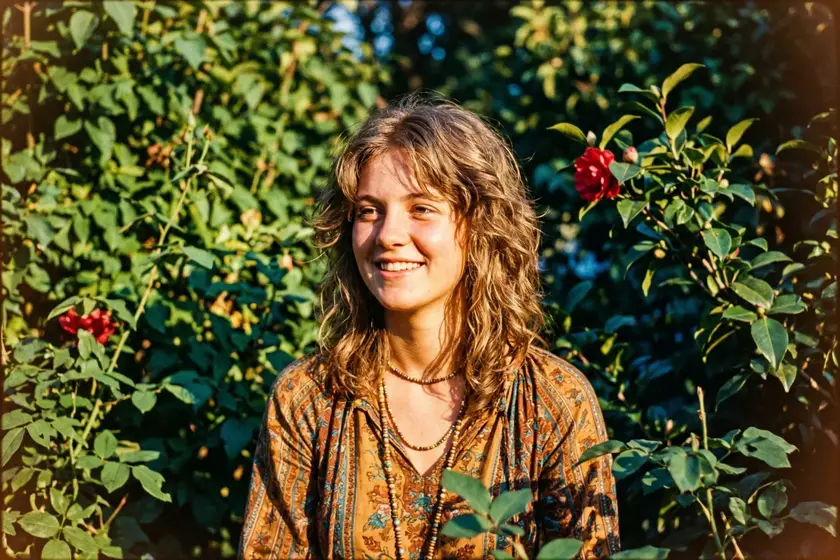
Light and atmosphere
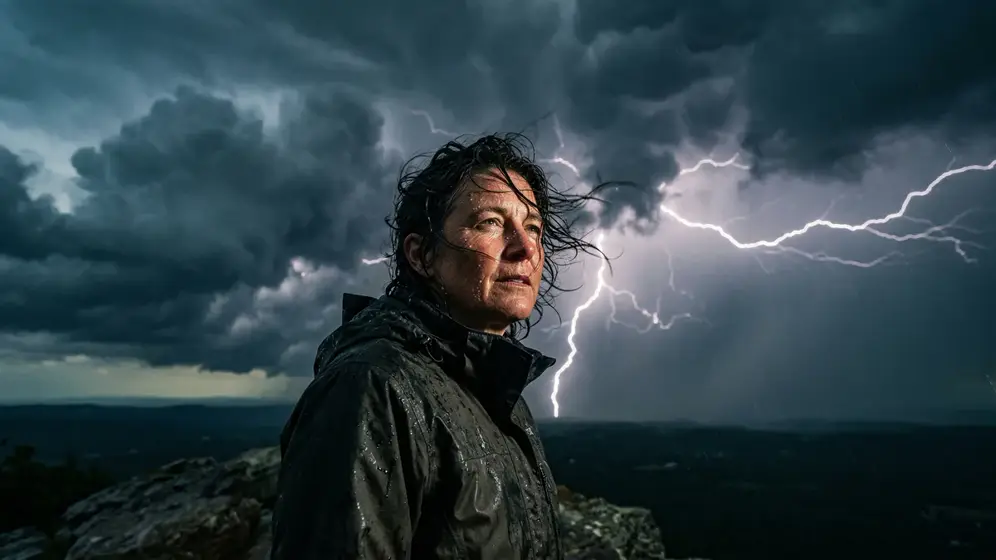
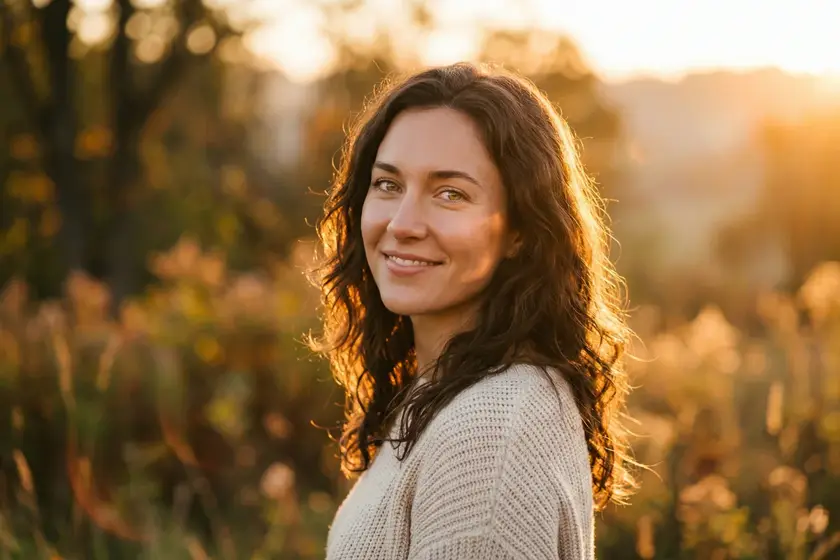
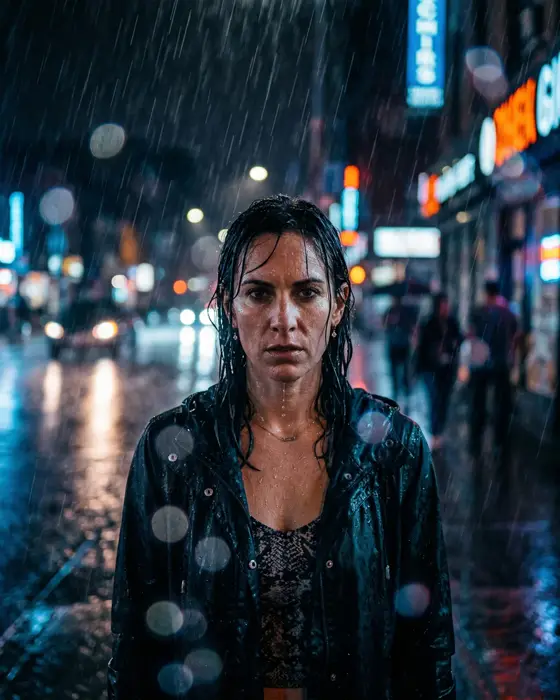
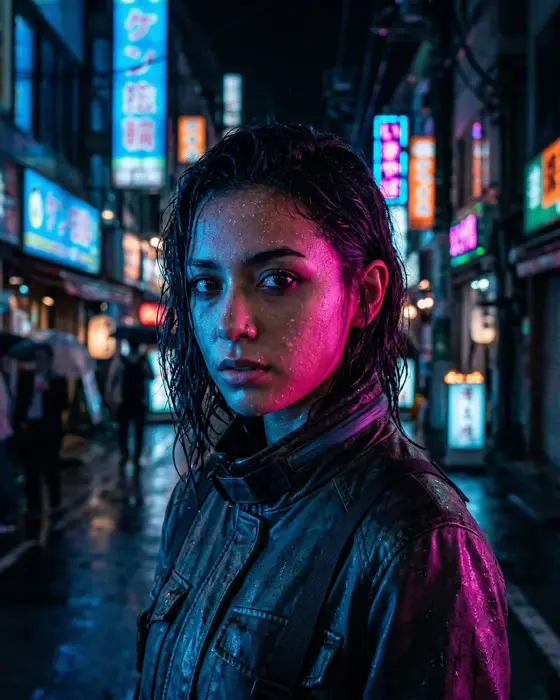
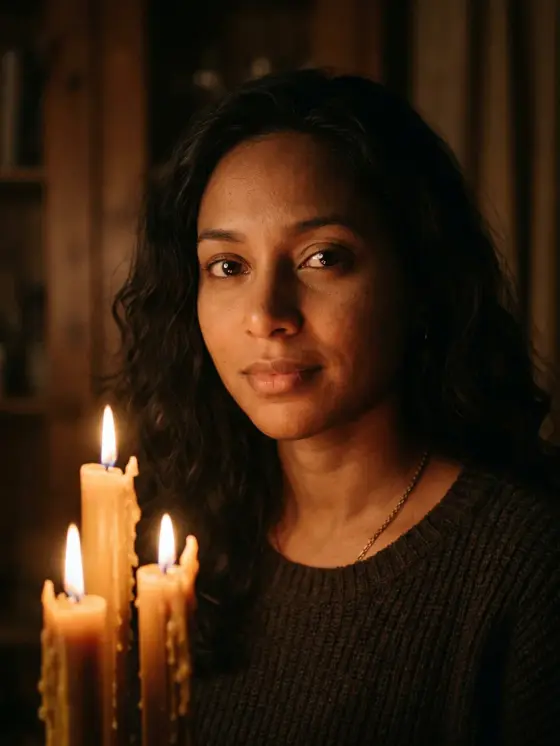
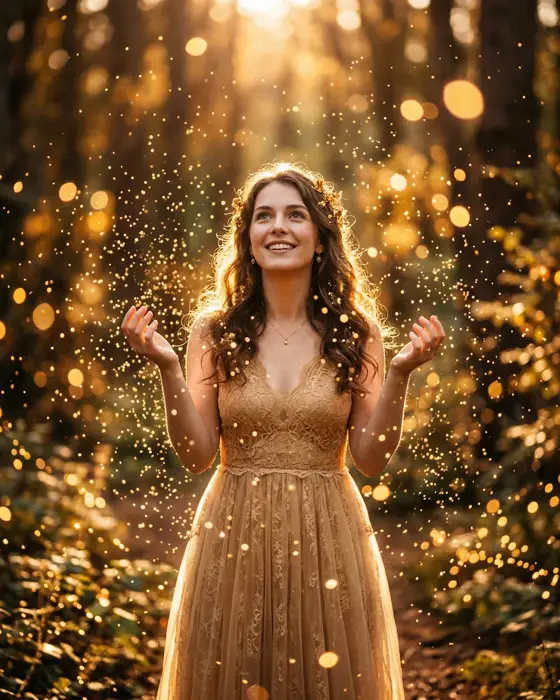
AI-generated images from the app's showcase.
Halloween costume: €0.
Vampires, witches, zombies: pick the costume in the app and it handles the make-up. Ready in 30 seconds.
Try it freeFrequently asked questions
Does it cost anything?
Downloading the app is free, and your first photos are free too. If you want more, you can buy credits inside the app. No subscriptions.
Do I have to type anything?
No. Pick a scene from the list and tap "Generate". If you like, you can also describe a scene in your own words.
Do I need a computer?
No. Everything happens on your phone or tablet. You only need an internet connection.
How long does it take?
About 30 seconds per photo.
Are the photos real?
No: they are created by artificial intelligence and marked as such. They are made for fun, not to fool anyone.
And you're anywhere.
Your first photos are free. No subscriptions.